Let courier statuses update themselves: automating booking, labels and COD
Stop checking every parcel by hand. Booking from the bill, labels in the courier's layout, and delivered, returned and cancelled arriving by webhook.
3 min read
On this page
In short: in Bisnesy every courier account has its own webhook. The courier sends each change to the parcel there, so delivered, returned or cancelled lands on the order by itself, a returned parcel goes back to stock, and the courier desk shows how much each courier still owes. The owner updates nothing by hand.
What checking by hand really costs
Anyone shipping many parcels a day ends the evening opening the courier's app and copying each parcel's status into a notebook or sheet. That costs three things:
- Time: an hour or two every day.
- Mistakes: a returned parcel marked "delivered" is money nobody ever chases.
- Stock: the returned item goes back on the shelf, but unless it is added to stock, the next buyer is told it is sold out.
Step 1: book from the bill
Connect your own Steadfast, Pathao or RedX account once in Settings (Pro plan). From any bill or the till, booking is one step: the customer's name, phone, address and the cash to collect all come from the bill. Nothing is typed twice, so there is no wrong number or wrong amount.
Step 2: labels in the courier's layout
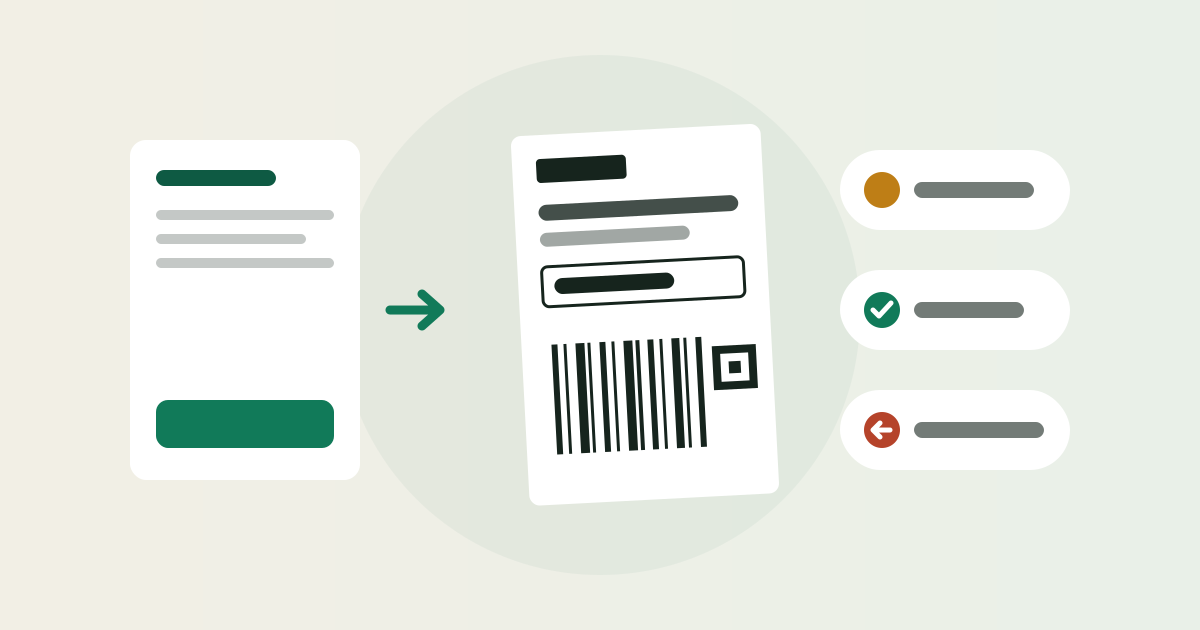
The label prints the courier, the consignment barcode, the customer's name and phone, the area and the cash to collect in large type, so a sorter reads it at a glance. A prepaid parcel says PAID, so the rider does not ask for money.
| Size | Best for |
|---|---|
| 4×6 in roll | Thermal label printers |
| A6 | Small sheets |
| A4 with 4, 6, 8 or 10 | An ordinary printer, many orders at once |
Pick the style too: standard, compact, or detailed (with the item list).
Step 3: status by webhook
A webhook means the courier tells your system what happened to the parcel; you never have to ask. In Bisnesy each courier account has its own address and secret token, so only your courier can report on your parcels.
When an update arrives, this happens on its own:
- The order's status changes (in transit, delivered, returned, cancelled).
- A returned parcel goes back to stock against the same order.
- The return is recorded on the customer, which the fraud check uses on their next order.
Step 4: settle COD
The courier desk is one list: waiting to send, on the way, delivered, returned, and how much each courier still owes. When the courier pays, match it and see at once which parcels' money has not arrived.
Other couriers
Direct booking and webhooks are for Steadfast, Pathao and RedX. For another courier, import its parcel or parcel-list file and each line becomes an order with customer, amount and consignment number.
More: courier booking and labels.
- কুরিয়ার বুকিং
- ওয়েবহুক
- courier webhook
- কুরিয়ার লেবেল
- Steadfast
- Pathao
- RedX
- COD
- অনলাইন ব্যবসা