Paper khata, Excel or POS software: which is right for your shop?
Paper is cheap, Excel is flexible, a POS is automatic. Which fits when? A side-by-side on cost, error risk, dues, stock and profit, and five signs it is time to switch.
3 min read
Updated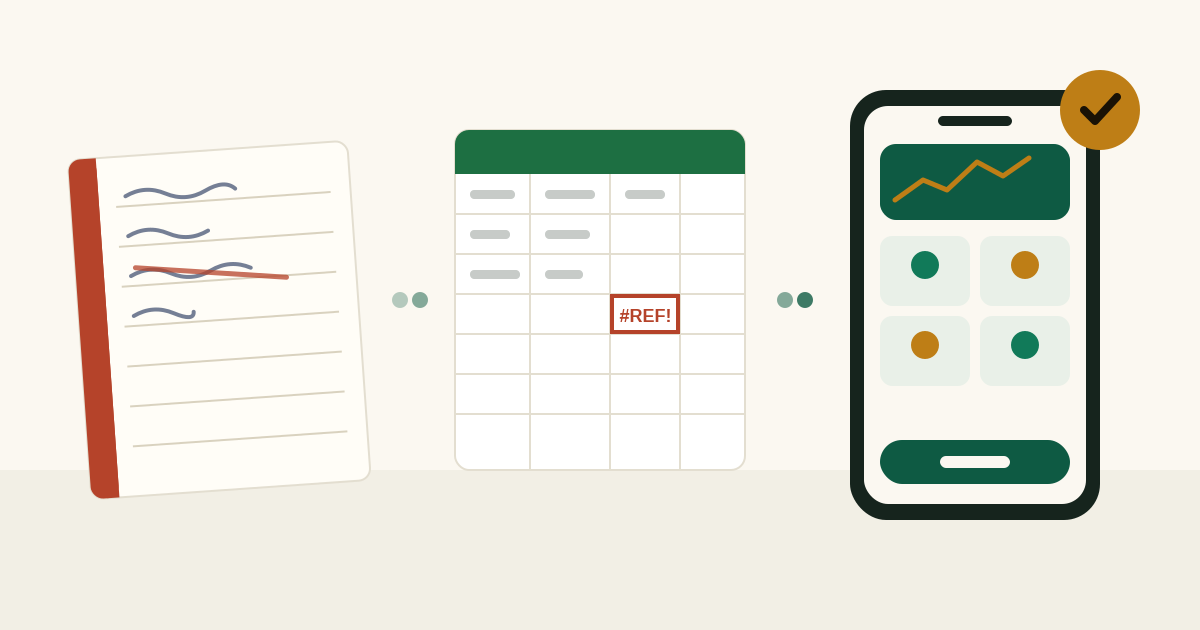
On this page
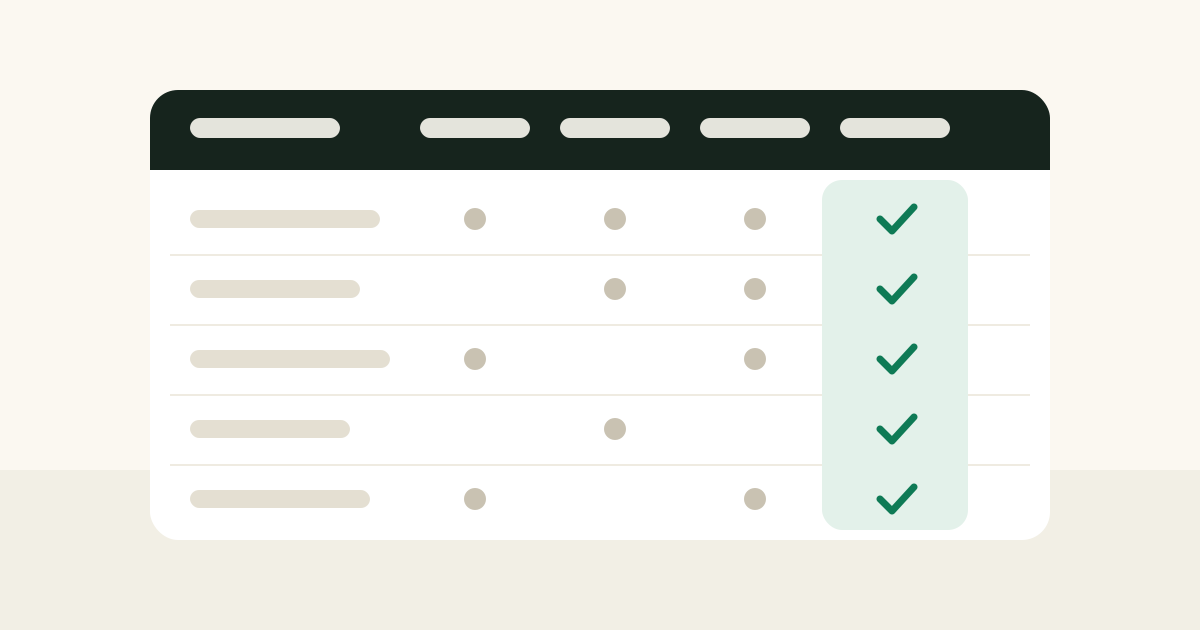
Short answer: with fewer than 20 to 30 sales a day, no credit and a short product list, a paper khata is enough. Excel keeps tidy records but does not bill and does not move stock. Once you sell on credit, stock more than 100 items or have more than one person at the counter, POS software saves both time and money.
Side by side
| Paper khata | Excel | POS software | |
|---|---|---|---|
| Starting cost | Almost nothing | Needs a computer | Runs on a phone, monthly fee |
| Billing | Handwritten | Separate step | One tap, with a printed receipt |
| Dues | Added by hand | Formulas you write | Recorded with the bill |
| Stock | A second book | Updated by hand | Moves with every sale |
| Profit and loss | A month-end guess | Wrong if a formula breaks | Report always ready |
| Staff mistakes or theft | Hard to catch | Anyone can edit the file | A log of who did what |
| Backup | Lost with the book | Only if you remember | On the server, plus your own copy |
When a khata is enough
- A few sales a day, all cash.
- A short product list, with the owner at the counter.
- A rough idea of monthly profit is all you need.
Where Excel gets stuck
Excel is excellent for records, but it was not built for a shop. You cannot bill from it at the counter, it is awkward on a phone, and one overwritten formula can make a whole month wrong without anyone noticing. With two people working on one file, nobody is sure which copy is right.
It is time to switch if...
- You argue with customers over their month-end dues.
- You promise an item "in stock" and find the shelf empty.
- Closing the cash takes more than half an hour.
- Nobody knows the numbers when the owner is away.
- You cannot say which products make the most profit.
Switching without the pain
- Start with your best sellers, not the whole catalogue.
- Enter each customer's existing due as an opening balance.
- Run the book and the software side by side for a week, then drop the book.
- With many items or customers, import them from a spreadsheet.
Bisnesy is as simple as a khata, runs in Bangla and works on a phone. Bills, dues, stock and accounts in one place, 7 days free. Get help moving from your khata.
Frequently asked questions
Will POS software pay for itself?
Usually one forgotten due or one stock mistake costs more than the monthly fee. Run the trial for a week and check with your own numbers.
Can my staff use it?
Billing is kept as simple as sending a text message, and the whole app runs in Bangla. Items can even be added to a bill by speaking.
Can I bring my old Excel data?
Yes. Product and customer lists can be imported from a spreadsheet in one go.
- khata vs software
- Excel vs POS
- shop accounting
- small business Bangladesh