From paper khata to software in 5 steps, without closing the shop
Leaving the khata feels risky: what happens to old dues and stock? Which day to start, what to enter first, and how to run the book and the software side by side in the first week.
3 min read
On this page
In short: start on any quiet day, not necessarily the first of the month. Enter the product list first, then the stock you count that day, then each customer's and supplier's earlier balance. Run the book and the software side by side for one week, then close the book.
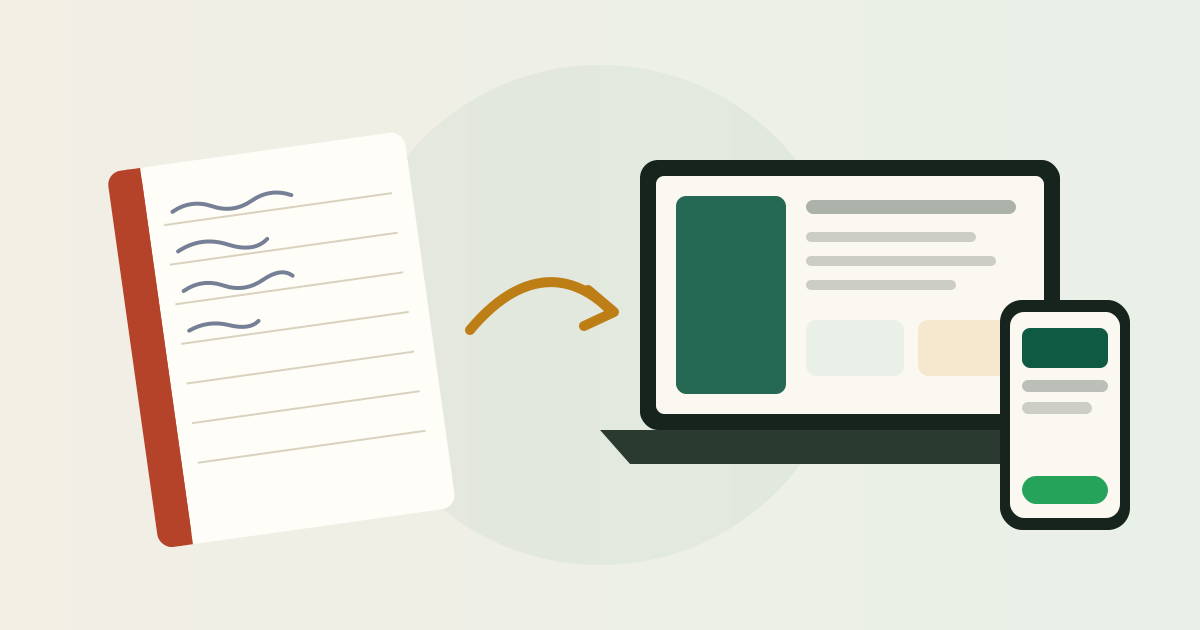
Many shopkeepers want software and never start, almost always for one reason: "I have a thousand products. Who will enter all that?" You don't have to do it in a day. With these five steps most shops are fully running within a week.
Step 1: build the product list
Start with your 50 to 100 best sellers. Name, unit (piece, kg, packet), buying price and selling price are enough. Add the rest as they sell during the first week.
If you already keep a list in Excel or another program, it comes in from a spreadsheet in one go. In Bisnesy our team does this for you at no charge. Choosing your type of business also sets up the usual categories and expense heads for that trade.
Step 2: count the stock on day one
On the day you start, count the shelves before opening or after closing and enter it as opening stock. If the whole shop is too much for one day, split it by shelf: rice, dal and oil today, soap and shampoo tomorrow.
Get the buying price right on opening stock. Profit is worked out from it; a wrong cost means a wrong profit.
Step 3: bring over old dues
Open the khata and enter each customer's total due as a single opening balance. No need to copy every old bill. Do the same for what you owe each supplier.
Then show each customer their new statement once and agree it. It catches mistakes in the old book and builds trust.
Step 4: run both for one week
For seven days, make every sale in the software and write the day's total sales and total credit in the book. Compare them each night. When they don't match, the cause is nearly always a wrong unit or price, and the first week sorts those out.
No internet doesn't stop the till: bills are made offline and sync on their own when the connection returns.
Step 5: set staff permissions, then close the book
Give staff the right to sell, and keep price changes, stock corrections and due write-offs with the owner. You can also turn on owner approval for such actions, so a request reaches your phone when staff try one. Once a week balances, put the book in the cupboard. Don't throw it away.
Details on getting started are on the switch to Bisnesy page; what the app keeps track of is on the shop accounts app page.
Frequently asked questions
Which day is best to start?
Your quietest day of the week. There is no need to wait for the first of the month; reports run by date.
Can older staff use it?
Yes. The whole app is in Bangla, and items can be spoken onto the bill. Sit with them for their first ten bills and most people have it.
Do I have to enter every old bill?
No. Each customer's total due is enough. Keep the old book for the details if you ever need them.
- খাতা থেকে সফটওয়্যার
- দোকানের হিসাব অ্যাপ
- opening stock
- switch to POS
- shop software setup
- product import
- বাকির খাতা