Mobile shop stock: keeping count of every handset by IMEI
In a mobile shop "ten in stock" means little; you need to know which ten. How to follow each handset by IMEI from purchase to sale, return and warranty claim.
3 min read
On this page
In short: record each handset's IMEI when you buy it, put that IMEI on the sale bill, and tie the warranty to it. Then you always know which set is on the shelf, which one was sold to whom, and which one has gone for service.
Ten phones of the same model look identical, but each is different: its own IMEI, purchase date and sometimes buying price. Keeping stock as a plain count causes three problems.
- When a customer brings a warranty claim, you can't confirm the set came from your shop, or when.
- Returned sets get mixed in with new ones.
- When a set goes missing, you can't tell which.
One model, many variants
Set up products first. "Galaxy A16" is one product with variants inside it: 4/128 black, 6/128 blue, 8/256 green. Each variant has its own price and stock, while reports still show the model in one place.
IMEI on purchase
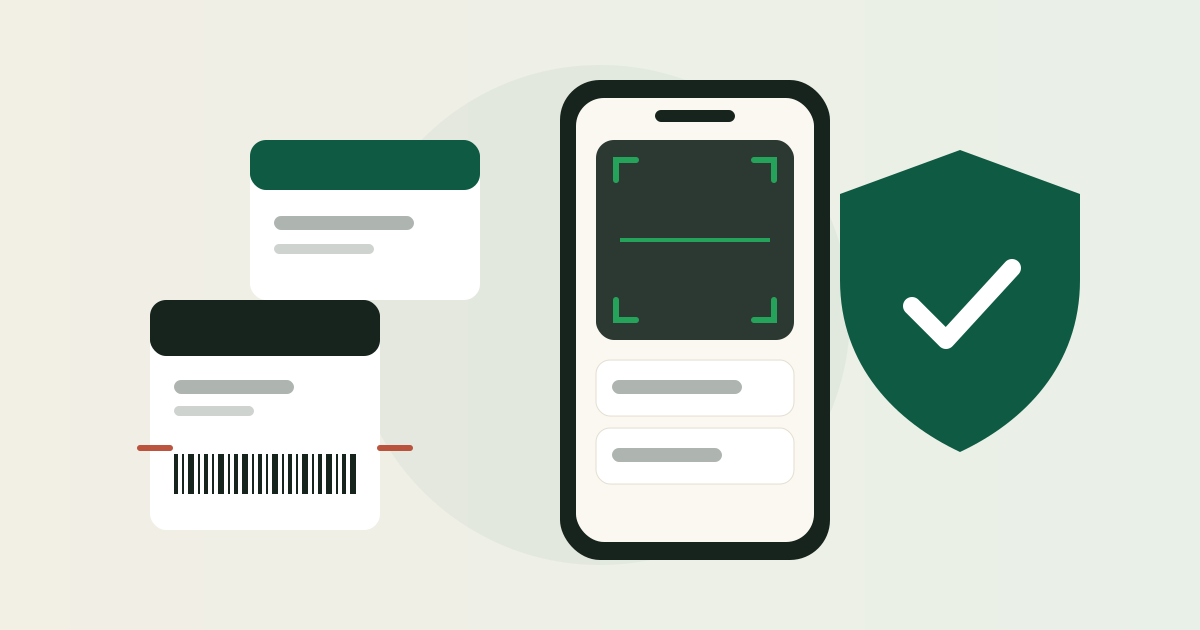
When stock arrives from the supplier, record each box's IMEI. No handwriting: scan the barcode on the box with the phone camera. Buy five sets and you enter exactly five IMEIs; too few or too many and the software tells you.
IMEI on sale
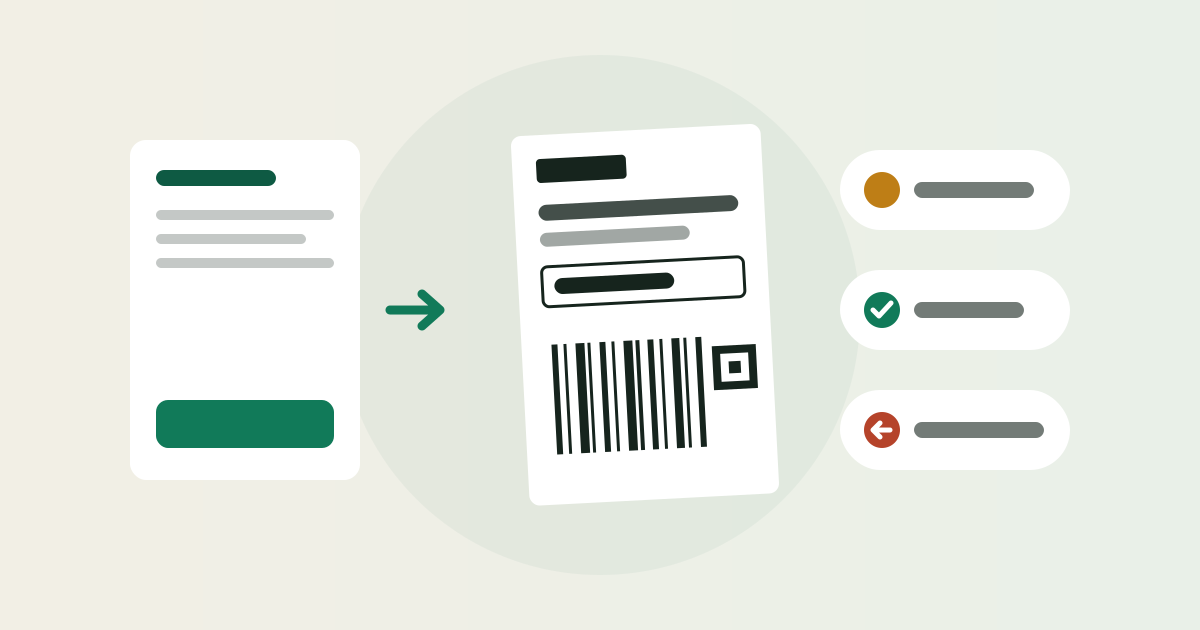
Pick the model on the bill and scan the IMEI of the set you hand over. The bill prints the IMEI and the warranty period. The same IMEI can't be sold twice, and an IMEI that isn't in stock can't go on the bill at all.
Returns and returns to supplier
When a customer returns a set, its IMEI goes back into stock. Send a faulty set back to the supplier and it leaves stock, marked as returned to supplier. In Bisnesy each IMEI's whole history sits in one place: when bought, who it was sold to, when it came back.
Finding a warranty
A customer says, "I bought this phone here." Search the IMEI register and you see who it was sold to, and when. The owner can also switch on a warranty-check page where customers look up their warranty by IMEI or mobile number.
To be clear: Bisnesy keeps your shop's stock and sales. It does not check whether a handset is valid in the government register (NEIR); that is done through BTRC's own system.
Selling on instalments
Many mobile shops sell on instalments. Bisnesy's Pro plan has EMI selling: your own tenors and rates, a down payment, and a dated monthly schedule printed on the bill, with a separate list of who is running late. More on the EMI software page.
For the full mobile shop setup, see the mobile shop software page.
Frequently asked questions
How do I enter IMEIs for stock I already have?
Scan each set's IMEI when you enter opening stock: as many IMEIs as there are sets on the shelf.
Do chargers and covers need an IMEI?
No. IMEIs or serials apply only to the products you switch them on for. Accessories run on a plain count.
Dual-SIM phones have two IMEIs. Which one do I enter?
The first one, printed at the top of the box. That is the one you will search by.
- মোবাইল দোকান সফটওয়্যার
- IMEI tracking
- mobile shop POS
- serial number stock
- warranty check
- মোবাইল শপের হিসাব
- EMI mobile shop