What happens to your shop data if the phone or PC fails
A dropped phone, a dead PC or a theft. Whether your books come back depends on one small habit: keeping a backup file of your own.
4 min read
On this page
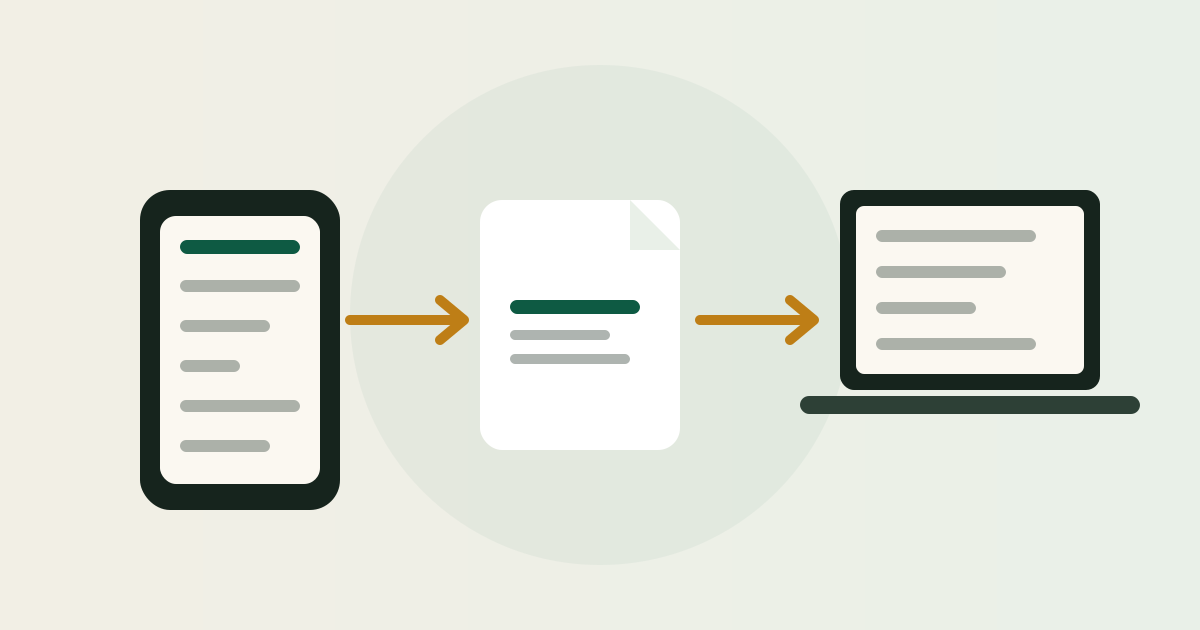
In short: download a full backup file to your own phone or computer regularly. If a device fails you restore from that file. In Bisnesy the backup stays available even after a trial or plan ends.
A paper ledger is lost if it is stolen or soaked. A phone or a computer can be lost too. The question is whether you have a way back.
Where the data lives
A paper book keeps its data in the book. Software with a local database on a PC keeps it on that computer's disk, and if the disk dies it is gone. Cloud software keeps the data on a server, so if you lose a phone you sign in on a new one and the books are there.
One caution. In Bisnesy, when the internet drops, bills queue on the device and go to the server when the connection returns. So bills that had not yet synced when the phone failed stay stuck on the device. If you bill offline, get a connection as soon as you can and let the queue sync.
Why keep your own backup
However good the server, the books are yours. A copy in your own hands means you are not stuck when you cannot sign in, delete something by mistake or run into some other trouble.
In Bisnesy the owner can download a backup of the whole business to their own computer or phone at any time. The file is a consistent snapshot, named with the business and the time. You can restore the business from that file, in the cloud or in Bisnesy Desktop.
How often to back up
An example. Say you make 40 bills a day, averaging ৳850, and your last backup was 10 days ago.
- Bills in 10 days: 40 × 10 = 400.
- Total sales: 400 × 850 = ৳3,40,000.
Restoring from that file means keying 400 bills in again. Back up weekly and the worst case is 7 days, 280 bills. Back up daily and it is one day, 40 bills. Choose how often by how much work you can afford to lose.
Rules for keeping backups
- Take them regularly. Weekly, and before anything big (the start of the year, a large import).
- Keep the names and dates. Bisnesy puts the business and time in the file name, but still sort them into a folder.
- Keep two copies. On the phone and the computer, or on a pen drive. If one device goes, the other remains.
- Keep the last few. Not just the latest, but the three or four before it.
- Test a restore once. Taking a backup and restoring one are different jobs. Try one a year.
When a device fails, step by step
- Sign in to Bisnesy on another phone or computer. The cloud data is there.
- Note which bills had not synced from the lost device.
- If you need to, restore the business from the backup file.
- If the lost device could still sign in, change your password.
When a trial or plan ends
In Bisnesy the backup stays available after a trial or plan ends, so you are never locked in. If you want to take your data elsewhere, you can. For plans and prices see the pricing page.
Check the books after a restore
After restoring a business from a backup, match three things:
- The cash in hand against the book's cash.
- The stock of your five best-selling products.
- The total of what customers owe.
If all three agree, the backup is good. Any bills made since the backup will have to be entered again.
Where to keep the file
In two places: the phone's memory and a computer. Keep it only on the phone and losing the phone loses the file. A pen drive kept at home also survives a fire or a theft at the shop.
Frequently asked questions
If the data is in the cloud, do I still need a backup?
A copy of your own is better. It helps when you delete something by mistake or cannot get into the account.
What is in a backup file?
A consistent snapshot of the whole business, named with the business and the time.
What if someone else gets the file?
A backup holds all of your books, so keep it on a phone or computer protected with a password and do not send it around.
If I lose my phone, can someone read my books?
That depends on whether the phone was signed in at the time. Do not gamble: as soon as a phone goes missing, sign in from a new device and change your password. A fingerprint lock on the phone helps too.
How big is a backup file?
It depends on how many bills and products the business has. We do not quote a size. Download the first backup, look at the file, and check you have enough space on the phone or computer.
- ডেটা ব্যাকআপ
- backup and restore
- ফোন হারালে
- shop data backup
- হিসাবের ব্যাকআপ
- cloud backup
- data safety
- ডেটা রক্ষা