Buying a POS printer, barcode scanner and cash drawer: what a shop actually needs
58 or 80 mm, USB or Bluetooth, whether you need a scanner machine at all, and how many receipt rolls a shop uses. A straight guide for a small shop.
4 min read
On this page
In short: most small shops do not need a scanner machine: a phone's camera scans barcodes into a Bisnesy bill. A thermal receipt printer is the one piece of hardware worth buying; choose the paper width you want on the receipt.
Many shopkeepers think a POS means a long shopping list of costly machines. For most small shops a phone and a receipt printer do the job. This post covers when you need what.
1. The receipt printer: why thermal
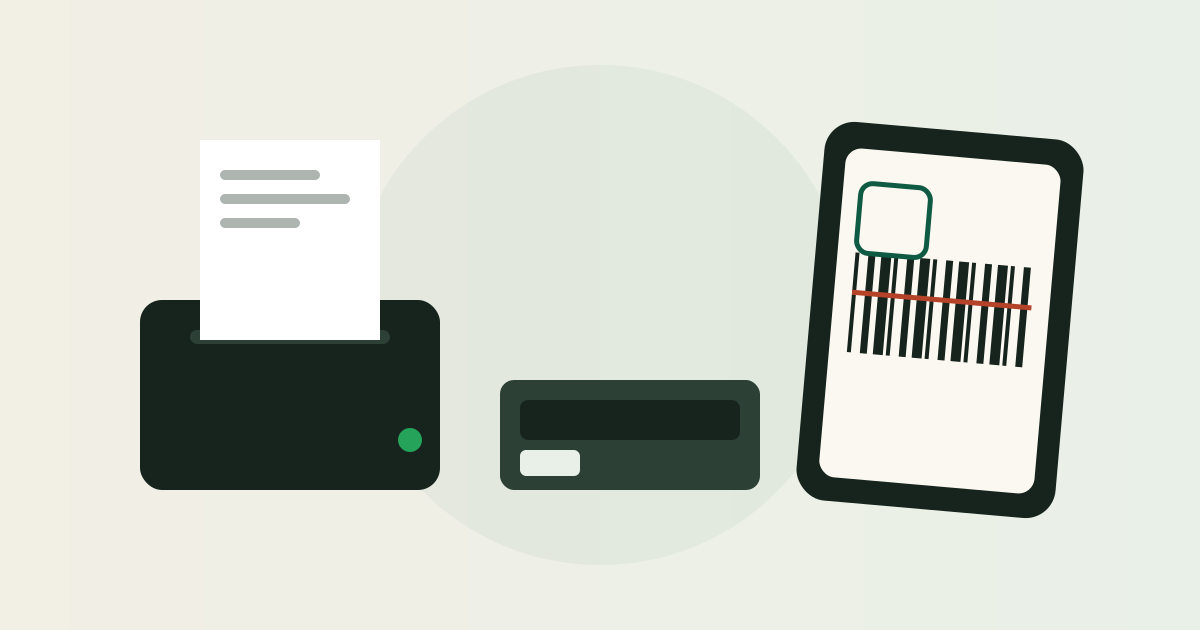
A thermal printer needs no ink or ribbon. You drop in a roll of paper and it prints, so paper is the only running cost. Bisnesy prints both thermal and A4 invoices.
58 mm or 80 mm? In Bisnesy's settings you choose the receipt width, 58 mm or 80 mm.
- 58 mm: small and light, right for a small shop or a food stall. The lines are short, so long item names wrap.
- 80 mm: wider and holds more text. It suits a shop with long product names, VAT lines or a due balance on the receipt.
Decide what the receipt must carry, then pick the width.
USB or Bluetooth? If the counter has a PC or laptop, USB is simple: a cable, nothing to pair. If you bill only from a phone, a Bluetooth printer helps because there is no wire. Before you buy, ask the seller whether the machine will pair with your phone or PC, and print a test receipt in front of them if you can.
2. The barcode scanner: do you need one
In Bisnesy the phone's camera reads barcodes straight into a bill, a purchase or a quotation, several in a row, with no scanner hardware. A phone paired with Bisnesy Desktop scans for the PC.
So when is a scanner worth buying? On a very busy counter, with several customers a minute, a dedicated scanner is still faster. USB and Bluetooth scanners both work with Bisnesy. If you make few bills a day, start with the phone for the first few weeks. If the camera feels slow, buy one then.
3. The cash drawer
A drawer keeps the cash locked away from anyone passing the counter. Many drawers connect through the receipt printer. Ask the seller whether one will work with your printer before you buy. With few bills a day, a lockable box does the job too.
For machines that work with Bisnesy and for paper rolls, see the hardware page.
How many rolls: a quick sum
Say you make 150 bills a day, and a 6-item receipt is about 12 cm long.
- Paper a day: 150 × 12 = 1,800 cm = 18 metres.
- A week (7 days): 18 × 7 = 126 metres.
- With a 30-metre roll: 126 ÷ 30 = 4.2, so 5 rolls a week.
The roll length is printed on your roll; put in your own figure. Keep at least one spare roll, because paper running out mid-afternoon is the most irritating failure of all.
Four steps before you buy
- Decide how many bills a day you make and what the receipt must show.
- Pick a printer (USB or Bluetooth) that matches your phone or PC.
- Print a test receipt at the shop and find out where you will buy paper rolls.
- Scan with the phone camera first. Buy a scanner only if that feels slow.
Barcode labels
If a pack has no barcode, make your own label and stick it on. Bisnesy can generate barcodes and print label sheets. If a printed barcode is not crisp the camera will not read it, so print one sheet and scan it with your phone before you print a hundred.
Avoiding a bad buy
- Print a test receipt in front of you and keep the cash memo.
- Find out how long the warranty runs and who repairs the machine.
- Keep a spare USB cable and a spare roll.
- Ask whether you can get rolls from the same seller. Otherwise you will hunt around for rolls that match.
Frequently asked questions
Can I print receipts straight from a phone?
Yes, with a Bluetooth printer that pairs with the phone. Pair it and print a test receipt before you pay.
Can a small shop manage without a printer?
Yes. Every printed Bisnesy bill carries a QR code that opens the verified bill on the customer's phone. But if customers want paper in hand at the counter, you need a printer.
Will a 58 mm roll fit an 80 mm printer?
Rolls come to match the printer's width. Ask the seller which size your machine takes before buying paper.
What about a portable, battery printer?
For selling on the move or at delivery, a Bluetooth printer that pairs with a phone is useful. A shop that sits at a counter needs it less.
- পস প্রিন্টার
- thermal printer
- barcode scanner
- ক্যাশ ড্রয়ার
- POS hardware Bangladesh
- 58mm 80mm
- receipt printer
- বারকোড স্ক্যানার