When to reorder: a simple way to set your reorder level
Run out and the customer walks next door; overstock and your cash sits on the shelf. Your reorder level from three numbers: daily sales, delivery time and a safety margin.
2 min read
On this page
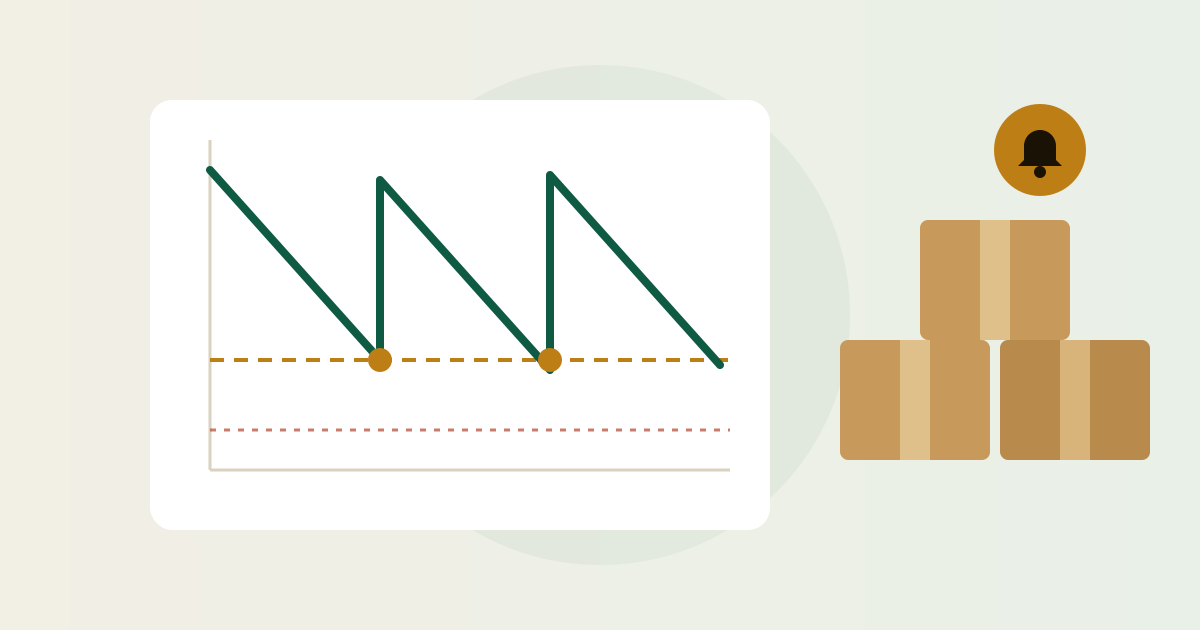
In short: reorder level = (average daily sales × days for stock to arrive) + safety stock. Order the moment stock falls to that number. Sell 12 a day, wait 3 days for delivery, keep 12 spare, and your reorder level is 48.
Most shops reorder by eye: "the shelf looks thin." By the time it looks thin it is too late, because delivery takes days. Order too much out of fear and the month's cash sits on the shelf.
Three numbers
Take one example: a one-litre bottle of soybean oil.
- Average daily sales: 336 bottles in the last four weeks, so 12 a day.
- Days to arrive: the dealer delivers 3 days after you order.
- Safety stock: to cover a late dealer or a sudden rush. Here, one day's sales: 12.
The sum
Reorder level = (12 × 3) + 12 = 36 + 12 = 48 bottles
The day shelf and store together hold 48 bottles, order. In the 3 days before delivery you sell 36, and when the new stock lands you still have 12.
How much to order
Say you restock once a week, so you need 7 days of sales: order = 12 × 7 = 84 bottles, seven cartons if the dealer packs twelve.
Try your own numbers in our reorder point calculator.
Three common mistakes
- One number for every product. Biscuits that sell 50 a day and a pressure cooker that sells 2 a month can't share a reorder level.
- Forgetting the season. Before Ramadan, chickpeas, dates and oil sell several times over. Recalculate daily sales before the season.
- Zero safety stock. One late delivery and the shelf is empty.
If you don't want to count every day
Nobody can count hundreds of products daily. In Bisnesy you set a reorder level on each product, every sale lowers stock automatically, and the owner gets a daily low-stock alert for anything at or below its level. Each product's analysis also shows monthly demand, next month's forecast and a suggested reorder.
More on the inventory management software page.
Frequently asked questions
I don't know a new product's daily sales. What then?
Start with a guess for the first two weeks, then set the level from real sales.
How much safety stock should I keep?
One to two days' sales for items whose absence sends customers away (rice, oil, sugar). Less for slow movers.
Does the same rule work for products with an expiry date?
Yes, but keep the order size small enough to sell before expiry. With medicine and dairy, overstock means throwing it away.
- রিঅর্ডার লেভেল
- reorder point
- stock out
- low stock alert
- safety stock
- inventory Bangladesh
- স্টক ম্যানেজমেন্ট